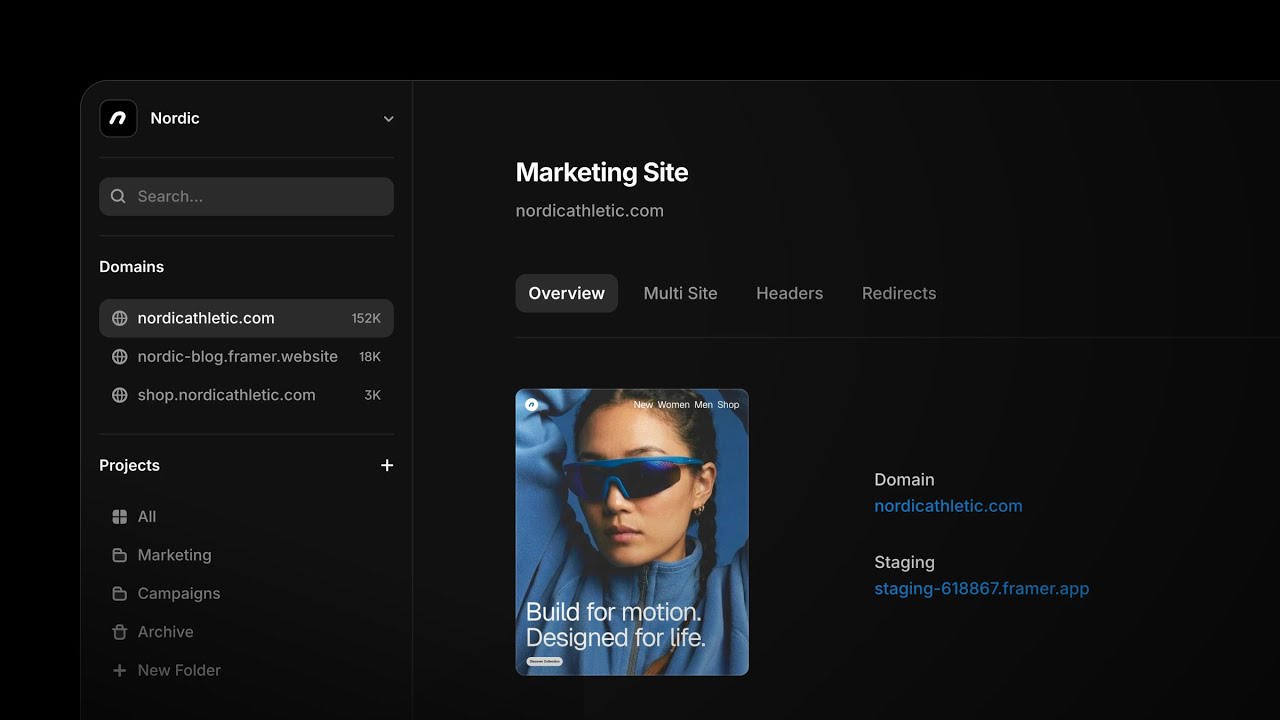
Analytics, Publishing & Settings
Joseph
·
2:54
·
19K views
·
About this lesson
Your site is up and running — time to relax and let visitors from around the globe enjoy your work.
But how is the site performing?
Is anyone even showing up?
Are they finding what they’re looking for?
Where can we make improvements?
This is where Framer’s new and improved analytics come in.
They’re built in, included with every plan, and automatically doing their thing behind the scenes. No need for any overwhelming or costly third party tools.
And built-in analytics are more accurate since they’re an integral part of your site and don’t get blocked by ad blockers. In fact, by anonymizing user data, these analytics are fully GDPR compliant without the need for a cookie banner.
Let’s take a look at how Framer’s analytics give us key insights into how our sites and pages are performing.
https://www.youtube.com/watch?v=bgmraF1lvLg&t=0s Intro
https://www.youtube.com/watch?v=bgmraF1lvLg&t=5s Why built-in analytics matter
https://www.youtube.com/watch?v=bgmraF1lvLg&t=42s Accessing the analytics tab
https://www.youtube.com/watch?v=bgmraF1lvLg&t=54s Visitor and page view charts
https://www.youtube.com/watch?v=bgmraF1lvLg&t=78s Time range options
https://www.youtube.com/watch?v=bgmraF1lvLg&t=83s New metrics: live activity, bounce rate, session duration
https://www.youtube.com/watch?v=bgmraF1lvLg&t=96s Traffic sources, pages, countries, and devices
https://www.youtube.com/watch?v=bgmraF1lvLg&t=106s Viewing traffic by UTM parameters
https://www.youtube.com/watch?v=bgmraF1lvLg&t=110s Filtering and combining data views
https://www.youtube.com/watch?v=bgmraF1lvLg&t=139s Using analytics to improve your site
https://www.youtube.com/watch?v=bgmraF1lvLg&t=150s Wrap up
🌞 Start for free: https://framer.link/yt
📚 Learn more at: https://framer.link/yt-academy
💎 Join the Community: https://framer.link/yt-community
🎉 Follow on X: https://framer.link/yt-x
Watch on YouTube ↗