Animations
Joseph
·
8:46
·
21K views
·
About this lesson
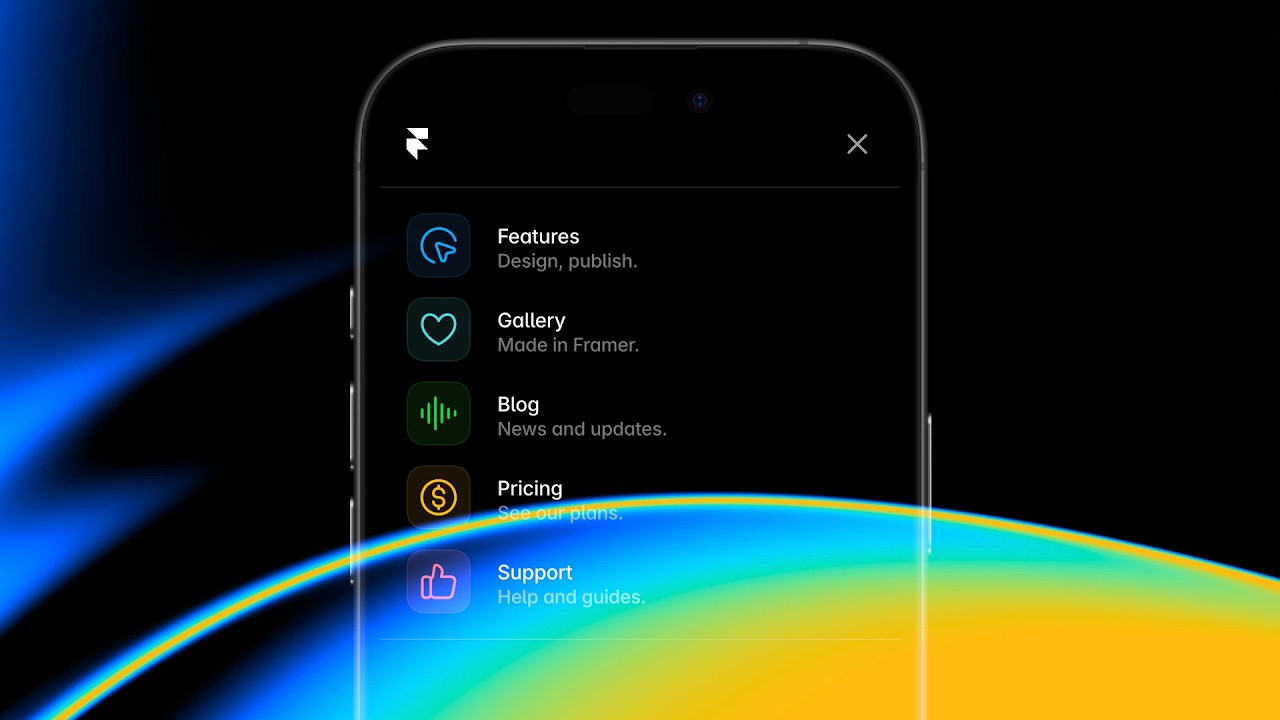
Jumping between pages doesn’t have to feel jarring. With Page Effects in Framer, we can add smooth transitions that make our sites feel more cohesive — almost more “app-like”. Your site flows from one page to the next. It’s a small touch that helps everything feel more like a product and less like a collection of separate pages. In this lesson, I’ll show you how to easy it is animate between pages in Framer.
Grab the remix link from Framer Academy: https://www.framer.com/academy/lessons/framer-animations-page-transition-effects
https://www.youtube.com/watch?v=1hKaTVXX188&t=0s Intro
https://www.youtube.com/watch?v=1hKaTVXX188&t=42s Previewing the completed example
https://www.youtube.com/watch?v=1hKaTVXX188&t=61s Project setup and navigation component
https://www.youtube.com/watch?v=1hKaTVXX188&t=98s Introducing page effects
https://www.youtube.com/watch?v=1hKaTVXX188&t=174s Exploring effect options and presets
https://www.youtube.com/watch?v=1hKaTVXX188&t=273s Customizing animation properties
https://www.youtube.com/watch?v=1hKaTVXX188&t=343s Fixing reverse navigation with push right
https://www.youtube.com/watch?v=1hKaTVXX188&t=453s Final preview of all transitions
https://www.youtube.com/watch?v=1hKaTVXX188&t=498s Wrap up
Sign up: https://framer.link/yt
Follow: https://framer.link/yt-x