Publishing & Settings
·
1:43
·
11K views
·
About this lesson
Learn how to set up redirects in Framer to efficiently direct users from one page to another. In this tutorial, we demonstrate how to redirect traffic from a deleted FAQ page to a new support page. Redirects are a valuable tool when you want to ensure users can easily find the information they need. Watch this tutorial to learn how to manage redirects and create seamless navigation in Framer.
https://www.youtube.com/watch?v=5qkIhQUCcIc&t=0s - Introduction
https://www.youtube.com/watch?v=5qkIhQUCcIc&t=2s - Setting up redirects in Framer
https://www.youtube.com/watch?v=5qkIhQUCcIc&t=6s - Example use case: Redirecting users from a certain page
https://www.youtube.com/watch?v=5qkIhQUCcIc&t=16s - Moving content from FAQ page to support page
https://www.youtube.com/watch?v=5qkIhQUCcIc&t=23s - Deleting the FAQ page
https://www.youtube.com/watch?v=5qkIhQUCcIc&t=28s - The problem of previously shared FAQ page links
https://www.youtube.com/watch?v=5qkIhQUCcIc&t=38s - Adding a redirect from FAQ page to support page
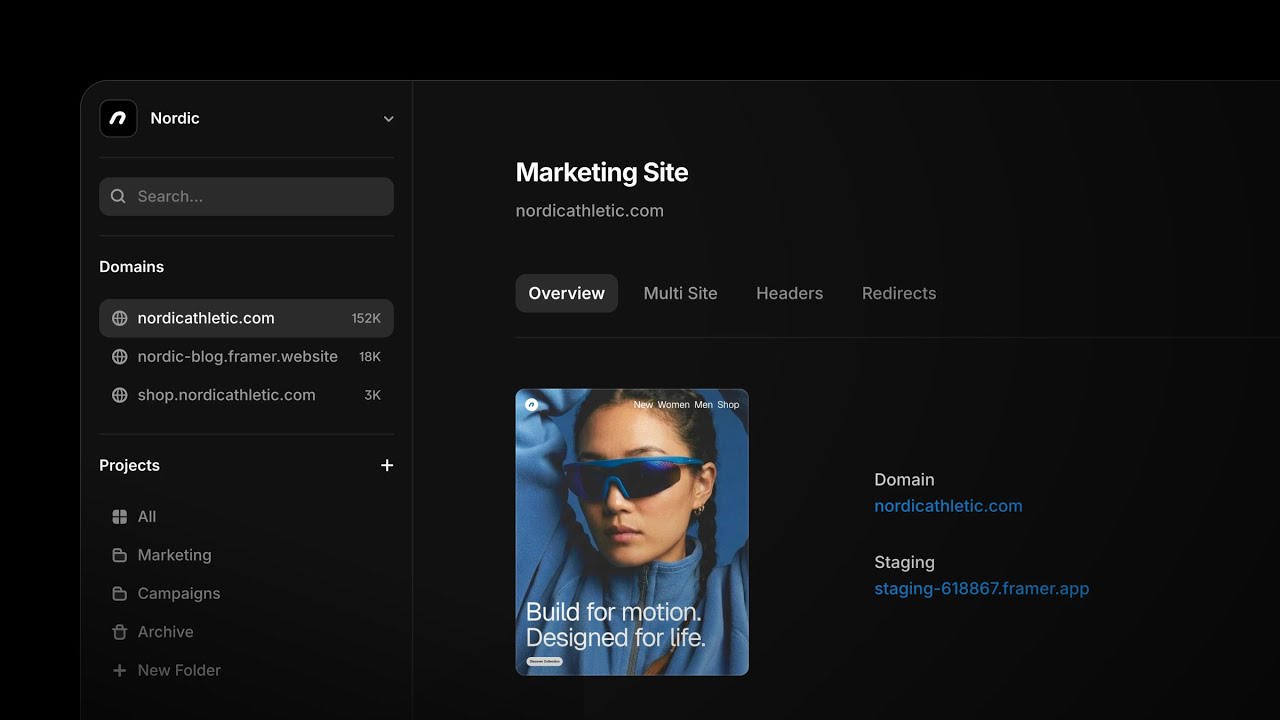
https://www.youtube.com/watch?v=5qkIhQUCcIc&t=43s - Accessing project settings
https://www.youtube.com/watch?v=5qkIhQUCcIc&t=46s - Navigating to the redirects tab
https://www.youtube.com/watch?v=5qkIhQUCcIc&t=49s - Managing and creating redirects
https://www.youtube.com/watch?v=5qkIhQUCcIc&t=55s - Setting the old URL (/FAQ) and the new destination URL
https://www.youtube.com/watch?v=5qkIhQUCcIc&t=63s - Selecting the support page for redirection
https://www.youtube.com/watch?v=5qkIhQUCcIc&t=69s - Confirming and saving the redirect
https://www.youtube.com/watch?v=5qkIhQUCcIc&t=76s - Publishing the website and opening it in a browser
https://www.youtube.com/watch?v=5qkIhQUCcIc&t=84s - Testing the redirect by typing "/FAQ" in the browser
https://www.youtube.com/watch?v=5qkIhQUCcIc&t=90s - Successful redirection to the support page
🌞 Try Framer for free: https://framer.com
🎉 Follow on Twitter: https://twitter.com/framer
💎 Join Community: https://www.framer.community
Watch on YouTube ↗