Publishing & Settings

Connecting a Custom Domain to your Framer project

Connecting a Custom Domain to your Framer project

Connecting a Custom Domain to your Framer project

·

2:42

·

86K views

·

About this lesson

Connect your custom domain to your Framer website effortlessly with this step-by-step tutorial. Learn how to set up a free subdomain or seamlessly integrate your own domain.

🌞 Try Framer for free: https://framer.com

🎉 Follow on Twitter: https://twitter.com/framer

💎 Join Community: https://www.framer.community

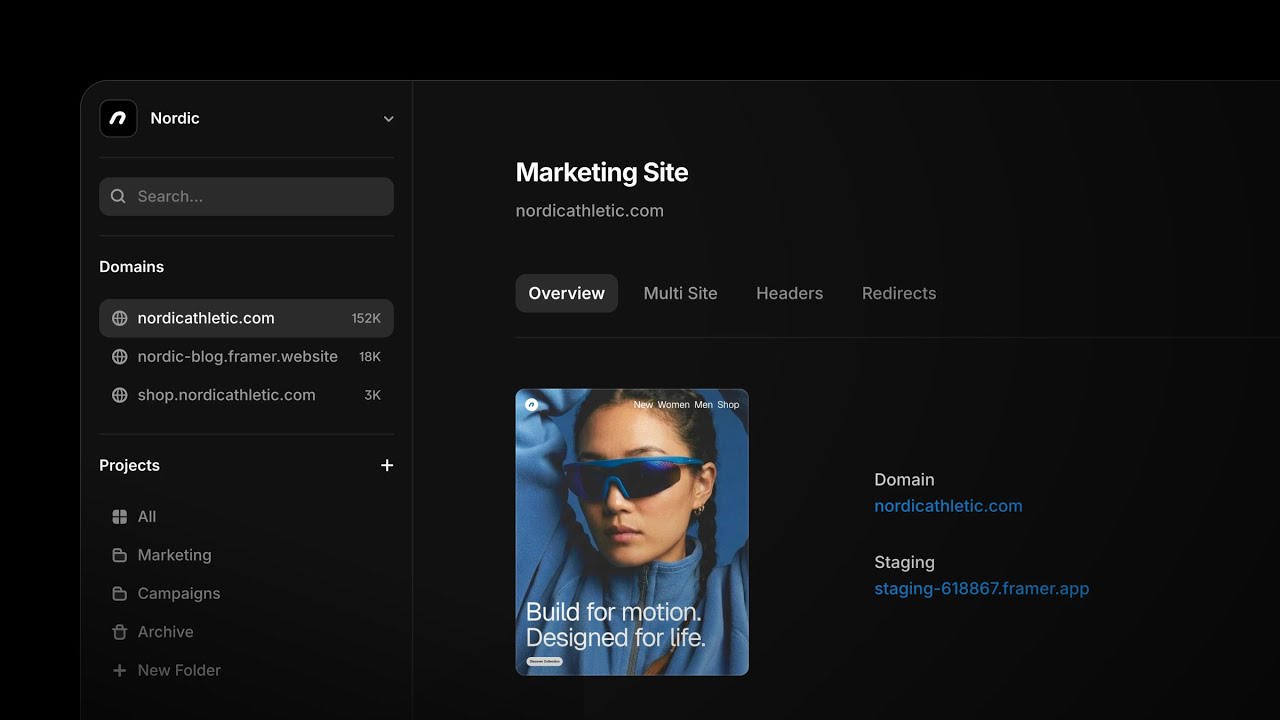
0:00so when you finish building your website0:01there might come a point at which you0:03want to connect a custom domain you can0:05connect a custom domain by going to your0:07project settings and then heading over0:08to the domains tab0:10by default when you publish your frame0:13or website framer will generate a domain0:15for you this is great so you can start0:17testing it in the browser but you can0:20also get a free subdomain from framer0:23this could be anything as long as it's0:24not taken yet so I'm going to enter0:27super cool dot framer.website you can0:30also change this to a different0:32extension so you can pick photos dot0:35media dot Wiki or dot AI I'm just going0:37to pick dot website for now0:40and now my website is also available on0:42this URL supercool.framer.website0:45but let's say we want to connect our own0:48custom domain I'll remove this domain0:50that I just added0:52and head over to the connect domain you0:55own0:56so I own the domain you're a dot video1:00and I'll hit the check1:03which means I'm now attaching this1:05domain to this project1:07we're not done yet though because we1:09have to make sure our DNS records are1:11updated so that our domain provider1:13knows that this domain should point to1:15this framework project1:17for some domain providers we support1:19autoconnect1:21so1:23framework checks whether your domain is1:25hosted at a domain provider which1:27supports this my domain is hosted at1:29Google domains which supports auto1:31connect so this blue button will show up1:33which will let me auto connect my domain1:36to my Google DNS1:39if this blue button does not show up you1:42will have to enter this DNS information1:43in your domain provider to make sure it1:46knows that this project should now be1:48connected to your domain1:49because my domain provider supports auto1:52connect I'll hit autoconnect1:54which will open Google domains1:58which is going to ask me do you want to2:00connect this domain to framer yes I want2:03to connect this domain2:05which is automatically going to add all2:07of the DNS records so Google Now2:10confirms that my domain is connected to2:13framer so I'm gonna head back to framer2:16and click refresh2:19and framework now also confirms that my2:22domain is connected so now if I head2:24over to euro.video2:27you will see that my site is now2:29connected to my custom domain2:33and that is how you connect your custom2:36domain to framer
Also coversFrames

Watch on YouTube ↗

More in this topic

Hard work, easy website. Get a Free Domain with Framer.0:20
Hard work, easy website. Get a Free Domain with Framer.
Announcement13M views · 4 months ago
This website never happened — Get a free domain with Framer0:22
This website never happened — Get a free domain with Framer
Publishing & Settings4.7M views · 4 months ago
Free Domains with Framer: Go Build It0:16
Free Domains with Framer: Go Build It
Publishing & Settings9.1M views · 4 months ago
Introducing Advanced Hosting in Framer2:28
Introducing Advanced Hosting in Framer
Announcement7K views · 4 months ago
Transferring Framer projects to clients2:04
Transferring Framer projects to clients
Publishing & Settings9K views · 5 months ago
Creating Remix Links in Framer1:29
Creating Remix Links in Framer
Publishing & Settings3K views · 6 months ago
How to get the most out of Framer for Free4:05
How to get the most out of Framer for Free
Animations15K views · 8 months ago
Optimizing Video files for the Web5:34
Optimizing Video files for the Web
Publishing & Settings12K views · 8 months ago

Create a free website with Framer, the website builder loved by startups, designers and agencies.