Animations, Insert Menu, Layout & Design, Navigation, Publishing & Settings, Templates

How to get the most out of Framer for Free

How to get the most out of Framer for Free

How to get the most out of Framer for Free

·

4:05

·

15K views

·

About this lesson

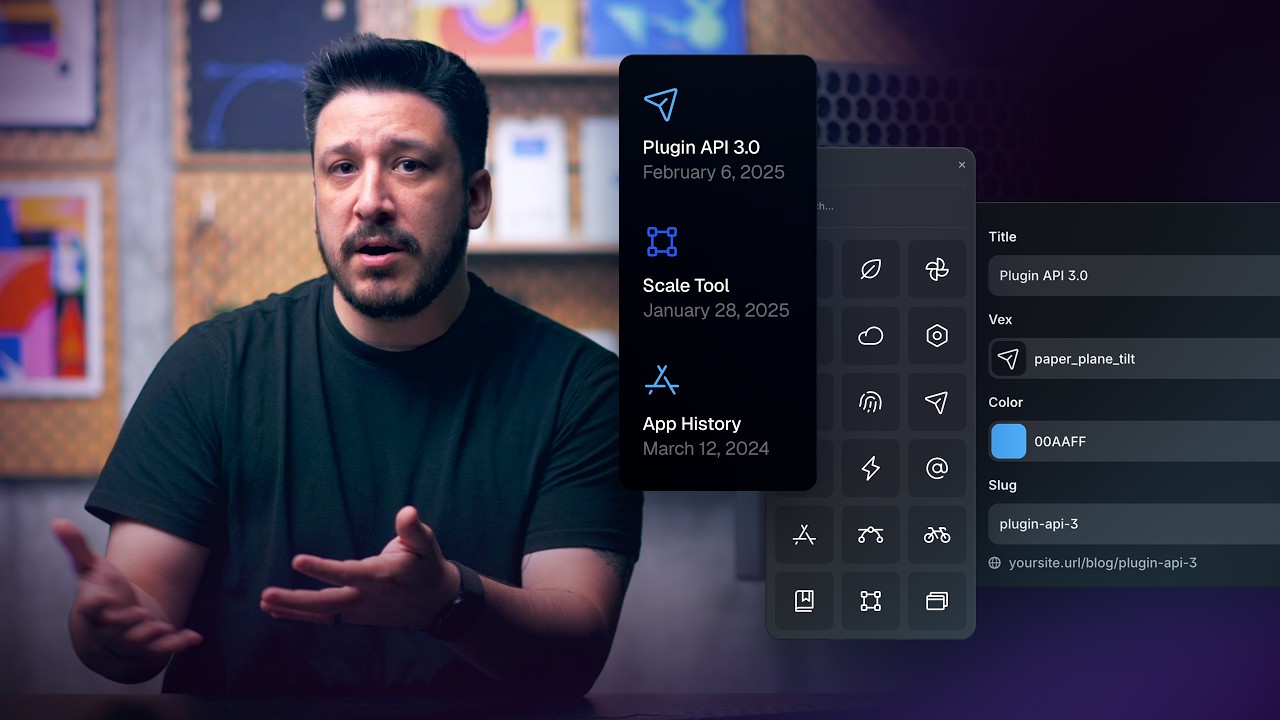
In this video, we’ll take a closer look at everything you can do in Framer without spending a cent.

From drawing vectors and styling layouts to building full sites and publishing them live, Framer gives you the freedom to design, explore, and launch — all in one place, all for free.

https://www.youtube.com/watch?v=BTkXeEGn7Yw&t=0s Introduction

https://www.youtube.com/watch?v=BTkXeEGn7Yw&t=34s Design Tools

https://www.youtube.com/watch?v=BTkXeEGn7Yw&t=90s Design Pages

https://www.youtube.com/watch?v=BTkXeEGn7Yw&t=137s Insert Panel & Wireframer

https://www.youtube.com/watch?v=BTkXeEGn7Yw&t=179s Promote your Design

https://www.youtube.com/watch?v=BTkXeEGn7Yw&t=207s Wrap Up

Sign up: https://framer.link/yt

Follow: https://framer.link/yt-x

Learn: https://framer.link/yt-academy

0:00You might think Framer is just another web0:06a fully comprehensive design tool where you can0:13in this video, we're going to dive into some0:17next project without having to spend a dime.0:23web builders lock you into rigid sections0:28It's a free form design tool with everything you0:34free. It comes with powerful vector drawing0:39illustrations right on the canvas. Plus, the0:45vector sets, tons of unique and open- source0:52shadows, and all the blending modes you know and0:58to create your own custom interactive components.1:05elements with precision. A scale tool that makes1:12Image exporting that makes it easy to save assets1:19auto layout keep everything responsive and1:27complete design toolbox all in Framer. Next up,1:34where you can explore ideas and test different1:41not limited to websites. You can design social1:47all right inside design pages. An added bonus is1:54you can create. That means unlimited exploration,2:00your vision before taking anything live. On top of2:07cap on how many projects you can create. You can2:13to fully polished sites, all for free. Next,2:21fastest ways to jump start a project and skip the2:27and drop any of Framer's pre-made sections, full2:34explore Framer's growing library of elements2:40slideshows, carousels, and tons more. And if you2:46Wireframer to generate dynamic layouts and ideas2:52layout that you can customize however you want,2:57ever starting from nothing. And finally, once3:04it simple to turn it into an interactive website3:09final adjustments directly on the canvas. things3:15interactions before hitting publish to take your3:21to see. No export, no handoff, no extra tools3:29covered in this video is completely free. The3:34want extra perks like connecting a custom domain3:40design, publish, and share your work without ever3:47is a complete design tool that can take you from3:52creating your next project all in Framer. Thanks

Watch on YouTube ↗

More in this topic

Framer Update: Logo Shaders2:05
Framer Update: Logo Shaders
Framer Update12K views · 1 month ago
8 Framer shortcuts you're probably sleeping on4:19
8 Framer shortcuts you're probably sleeping on
Layout & Design3K views · 2 months ago
Framer Update: Holo Shader1:46
Framer Update: Holo Shader
Framer Update6K views · 2 months ago
Framer Update: Stack Sorting and Bento Grids2:16
Framer Update: Stack Sorting and Bento Grids
Framer Update7K views · 2 months ago
Shader: Chromatic Aberration1:56
Shader: Chromatic Aberration
Framer Update7K views · 2 months ago
Framer Shaders2:28
Framer Shaders
Announcement23K views · 2 months ago
Sharing Vector Sets Across Projects (Vectors Lesson 7)3:41
Sharing Vector Sets Across Projects (Vectors Lesson 7)
Layout & Design1K views · 3 months ago
Connecting Vector Sets to the Framer CMS (Vectors Lesson 6)3:38
Connecting Vector Sets to the Framer CMS (Vectors Lesson 6)
Layout & Design2K views · 3 months ago

Create a free website with Framer, the website builder loved by startups, designers and agencies.