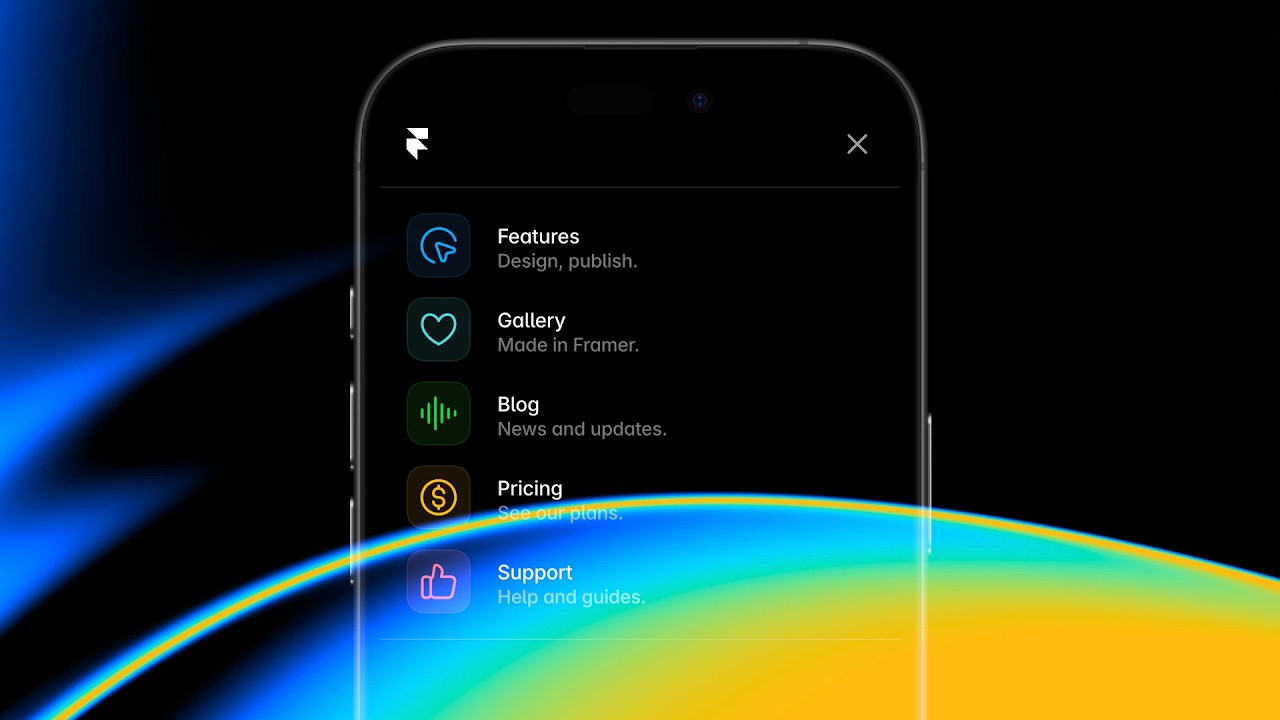
Framer Update, Navigation

Framer Update: Quick Page Switcher

Framer Update: Quick Page Switcher

Framer Update: Quick Page Switcher

Benjamin

·

1:51

·

9.7K views

·

About this lesson

In this release, we’re introducing a small but mighty workflow improvement for projects with 100s of pages—the Page Switcher. A small dropdown now sits on top of the Layer Panel, letting you know which Page you are currently viewing without having to switch back to the Pages Panel. It also allows you to browse and search all Pages within your project. On focus, you can type the name of any Page to quickly switch back and forth. If you’re managing a large project, we believe you’ll love it.

🌞 Try Framer for free: https://framer.com

🎉 Follow on Twitter: https://twitter.com/framer

💎 Join Community: https://www.framer.community

Watch on YouTube ↗

More in this topic

Framer Update: Logo Shaders2:05
Framer Update: Logo Shaders
Framer Update12K views · 1 month ago
Framer Update: CMS 3.04:13
Framer Update: CMS 3.0
Framer Update14K views · 1 month ago
Framer Update: Holo Shader1:46
Framer Update: Holo Shader
Framer Update6K views · 2 months ago
Framer Update: Auto Translate3:09
Framer Update: Auto Translate
Framer Update4K views · 2 months ago
Framer Update: Stack Sorting and Bento Grids2:16
Framer Update: Stack Sorting and Bento Grids
Framer Update7K views · 2 months ago
Shader: Chromatic Aberration1:56
Shader: Chromatic Aberration
Framer Update7K views · 2 months ago
Framer Convert5:42
Framer Convert
Framer Update13K views · 3 months ago
Framer Update: Flow Effect in Layout Templates2:12
Framer Update: Flow Effect in Layout Templates
Framer Update10K views · 3 months ago

Create a free website with Framer, the website builder loved by startups, designers and agencies.