Agents, AI
Generation, layout, and styling with Framer Agents
Generation, layout, and styling with Framer Agents
Generation, layout, and styling with Framer Agents
Joseph
·
15:19
·
886 views
·
About this lesson
Framer's canvas agent designs directly on your project, using its content, structure, and style as context to build sections, pages, animations, and themes while you co-edit alongside it.
You'll learn how to direct agents with the context tool and @mentions, rebuild UI from a screenshot, branch for large responsive edits, clean up unbound text styles, and theme a site for light and dark mode. Because agents handle the tedious, repetitive work across an entire project at once, you can focus on the creative decisions instead of tweaking layers one at a time.
00:00 Intro
00:07 The new agent tab
00:36 Generating a services section
01:55 Curating icons and reverting
02:48 Building a full contact page
04:19 Refining stock images with prompts
04:30 A contact form from a screenshot
05:11 Staggered hero appear effects
06:31 Site-wide heading text animation
07:42 Making the site responsive with branching
09:53 Cleaning up unbound text styles
11:24 Refining type scale and color theming
13:39 Design pages, style guides, and hero explorations
Sign up: https://framer.link/yt
Follow: https://framer.link/yt-x
More in this topic
 7:13
7:13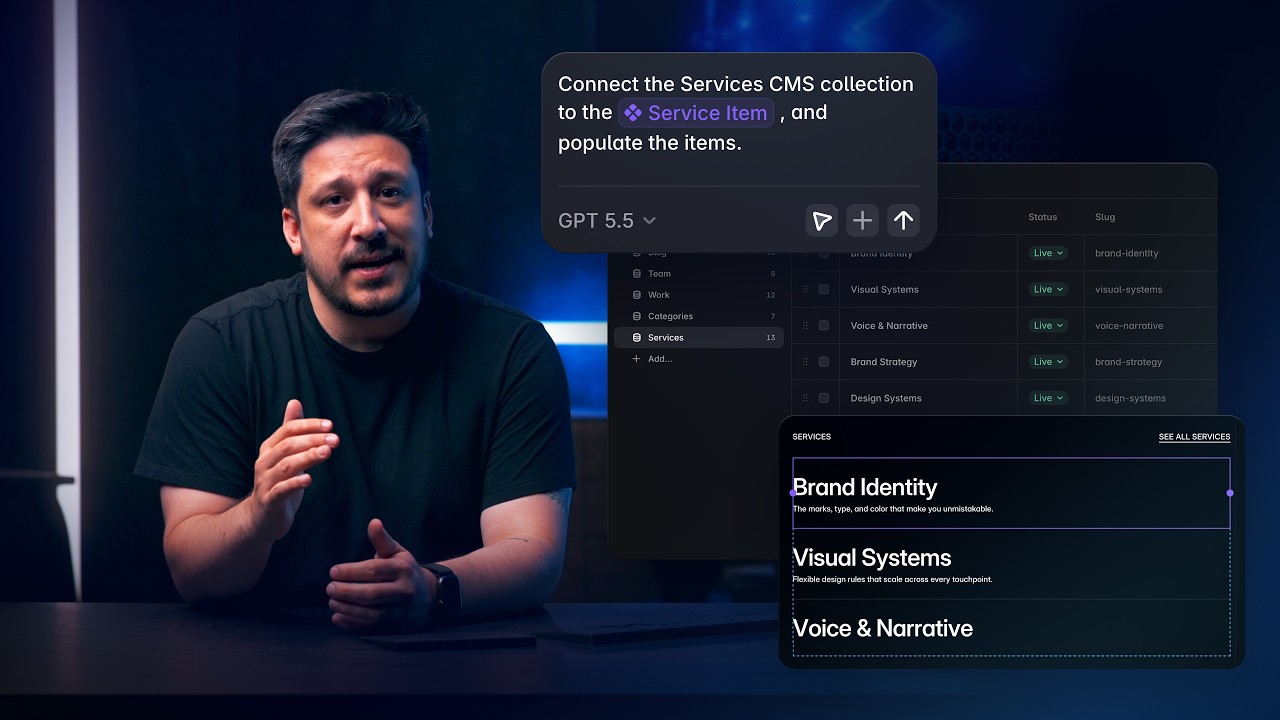 8:25
8:25 1:16
1:16 40:01
40:01 3:09
3:09 0:53
0:53 3:40
3:40 2:24
2:24