Analytics

Tracking Website Visitors with Framer's Built-in Analytics

Tracking Website Visitors with Framer's Built-in Analytics

Tracking Website Visitors with Framer's Built-in Analytics

·

1:16

·

10K views

·

About this lesson

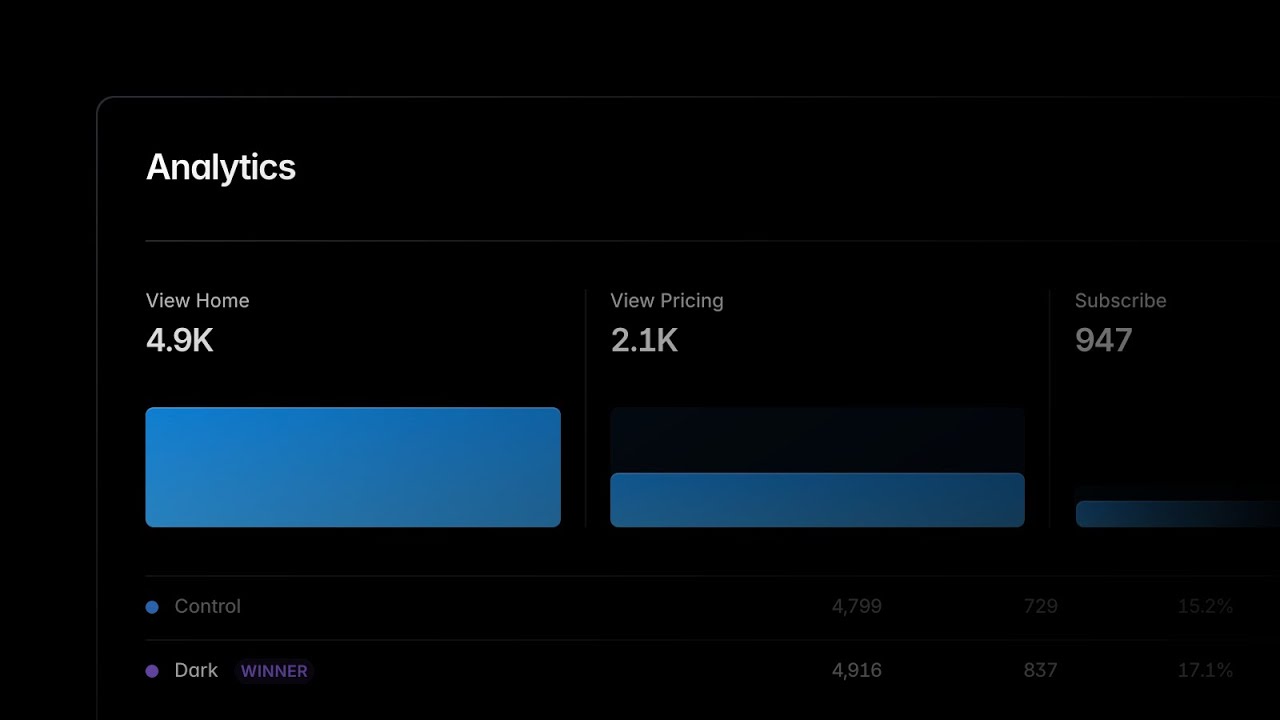
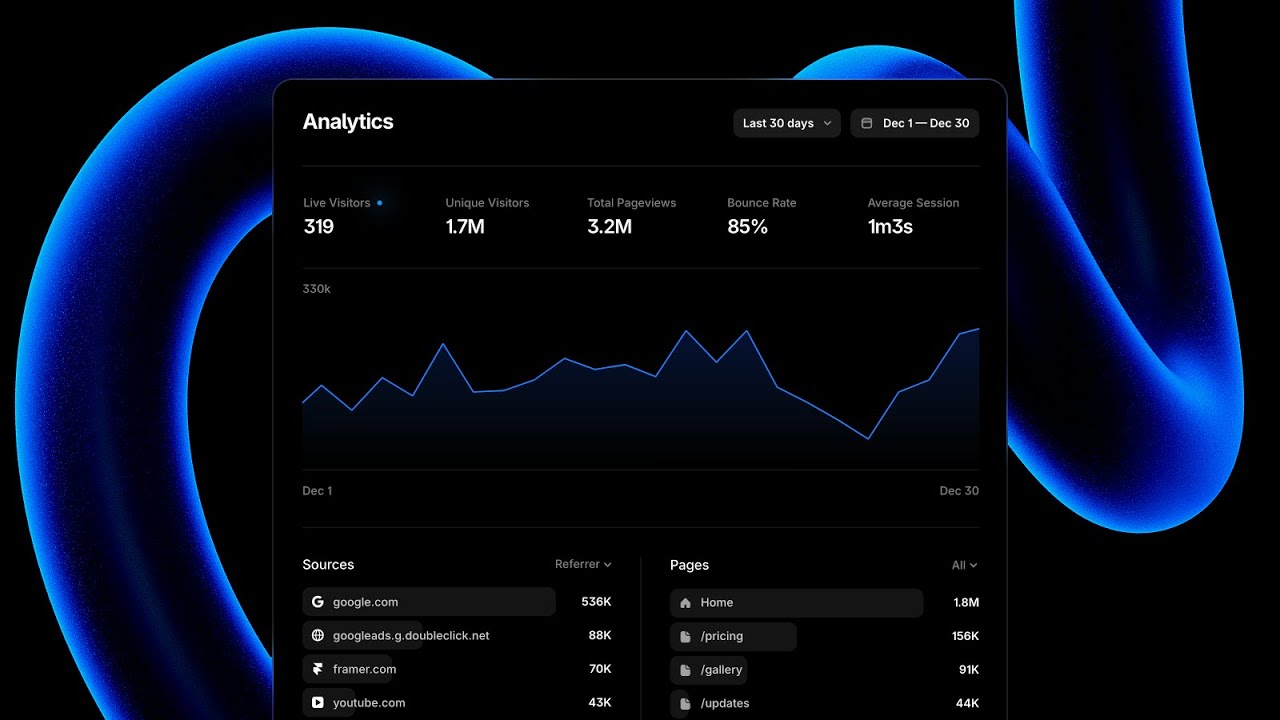
Gain valuable insights into your website's performance with the built-in analytics feature in Framer. In this tutorial, we'll walk you through the process step-by-step. By accessing the Analytics tab in your project settings, you'll uncover essential data such as the number of visitors in the last 30 days or week, unique visitors, and total page views. Dive deeper into visitor trends with the daily breakdown, and discover the top sources of traffic and the most popular landing pages. Best of all, Framer's built-in analytics feature is fully GDPR compliant and doesn't require user consent.

🌞 Try Framer for free: https://framer.com

🎉 Follow on Twitter: https://twitter.com/framer

💎 Join Community: https://www.framer.community

Also coversHover & Press

Watch on YouTube ↗

More in this topic

Framer Convert: Understand, Test, and Optimize.0:37
Framer Convert: Understand, Test, and Optimize.
Announcement7.2M views · 3 months ago
Framer Convert5:42
Framer Convert
Framer Update13K views · 3 months ago
Advanced Analytics: Track clicks, build funnels, and run A/B tests1:49
Advanced Analytics: Track clicks, build funnels, and run A/B tests
Analytics7K views · 1 year ago
Analytics in Framer (Fundamentals Lesson 30)2:54
Analytics in Framer (Fundamentals Lesson 30)
Analytics19K views · 1 year ago
All-new Framer Analytics0:39
All-new Framer Analytics
Framer Update6K views · 1 year ago
How to add a Cookie Banner to your Framer website9:43
How to add a Cookie Banner to your Framer website
Analytics33K views · 2 years ago

Create a free website with Framer, the website builder loved by startups, designers and agencies.