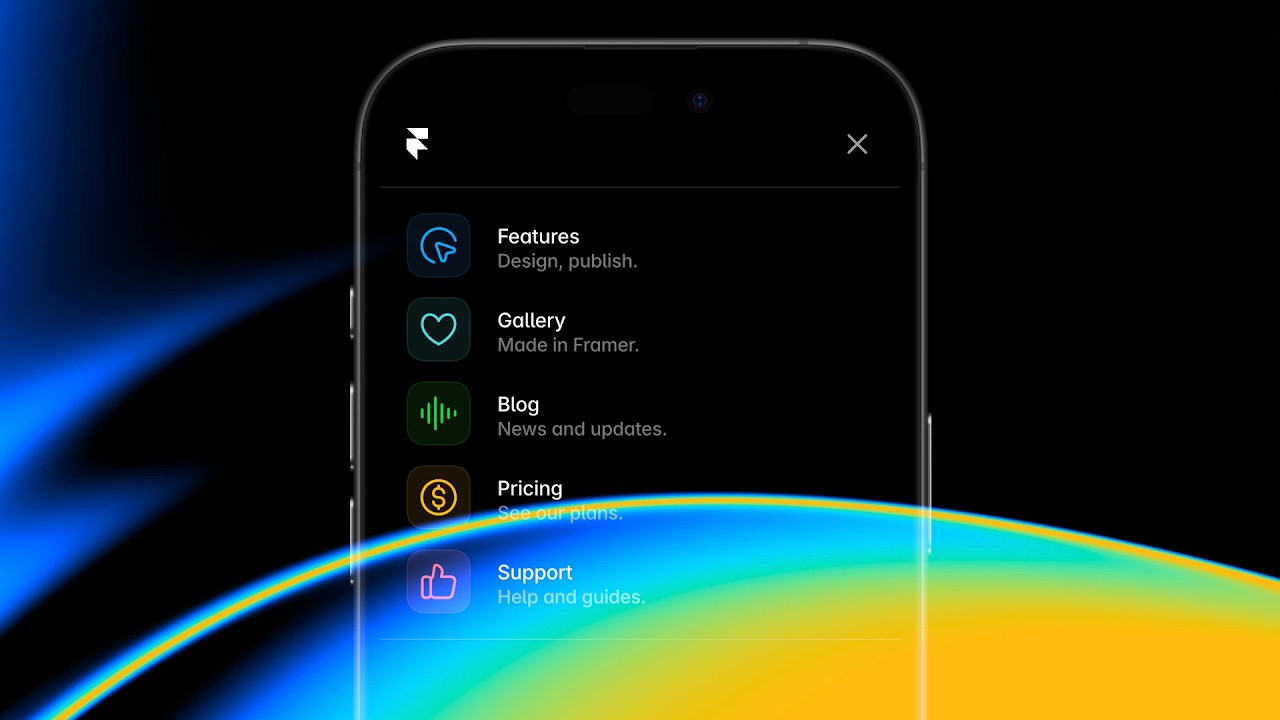
Framer Update, Navigation

Framer Update: App History

Framer Update: App History

Framer Update: App History

Benjamin

·

2:35

·

4.4K views

·

About this lesson

We’re excited to introduce App History, a new way to navigate in Framer. Using new shortcuts and the native browser controls, you can now go back and forth between different views you browsed between in Framer—from Pages to CMS to Preview and more. We think you’ll love it. It’s a huge workflow booster, allowing you to quickly go back and forth between a Page and the Preview, or the CMS and a Page, or Component and the Preview. We also updated the shortcuts used for changing hierarchy in Frames. You can find all new shortcuts here: https://framer.com/updates/app-history

🌞 Start for free: https://framer.link/yt

📚 Learn more at: https://framer.link/yt-academy

💎 Join the Community: https://framer.link/yt-community

🎉 Follow on X: https://framer.link/yt-x

0:00yo my name is Benjamin and in this video0:03I'll show you app history a new way to0:06navigate in framer here we have a simple0:10blog and while editing I might want to0:13switch to a detail page and here I might0:16want to edit some of the CMS content0:20then I might switch to a different post0:23and even enter the CMS where we can0:26quickly select a few different items to0:29edit0:30once done we might want to go back to0:33our detail page and give everything a0:36preview now in this process we navigated0:39between all sorts of different views0:41within framer web pages CMS Pages the0:45CMS itself and the preview and today0:49we're introducing a new way to navigate0:53in framer I can go back to any view I0:57previously visited using command left1:00bracket and I can go forward by using1:03Command right bracket and if you're on1:06Windows you can do the same using1:10control so using this new feature I can1:14go back to all the different items we1:17viewed in the1:21CMS and even back to the different1:24detail1:27Pages the overlay1:31and finally all the way back to our1:33homepage where we1:35started app history also works great in1:38the browser where you can use the native1:41Arrow controls to go back and forth1:44between different views in framer just1:46like you would between different pages1:49we picked these shortcuts to align with1:52the browser defaults however they were1:55previously assigned to changing the1:58hierarchy in frame and for those actions2:02we picked new shortcuts to now change2:05the layer hierarchy in this Frame I can2:08press option command arrow down or Arrow2:11up and on Windows you can use control2:14alt and then the up and down arrows as2:17well and that's pretty much it for this2:20video we think app history is a huge2:23workflow booster and we can't wait for2:25you to try it thank you so much for2:28watching and see you in the next2:33one

Watch on YouTube ↗

More in this topic

Framer Update: Logo Shaders2:05
Framer Update: Logo Shaders
Framer Update12K views · 1 month ago
Framer Update: CMS 3.04:13
Framer Update: CMS 3.0
Framer Update14K views · 1 month ago
Framer Update: Holo Shader1:46
Framer Update: Holo Shader
Framer Update6K views · 2 months ago
Framer Update: Auto Translate3:09
Framer Update: Auto Translate
Framer Update4K views · 2 months ago
Framer Update: Stack Sorting and Bento Grids2:16
Framer Update: Stack Sorting and Bento Grids
Framer Update7K views · 2 months ago
Shader: Chromatic Aberration1:56
Shader: Chromatic Aberration
Framer Update7K views · 2 months ago
Framer Convert5:42
Framer Convert
Framer Update13K views · 3 months ago
Framer Update: Flow Effect in Layout Templates2:12
Framer Update: Flow Effect in Layout Templates
Framer Update10K views · 3 months ago

Create a free website with Framer, the website builder loved by startups, designers and agencies.