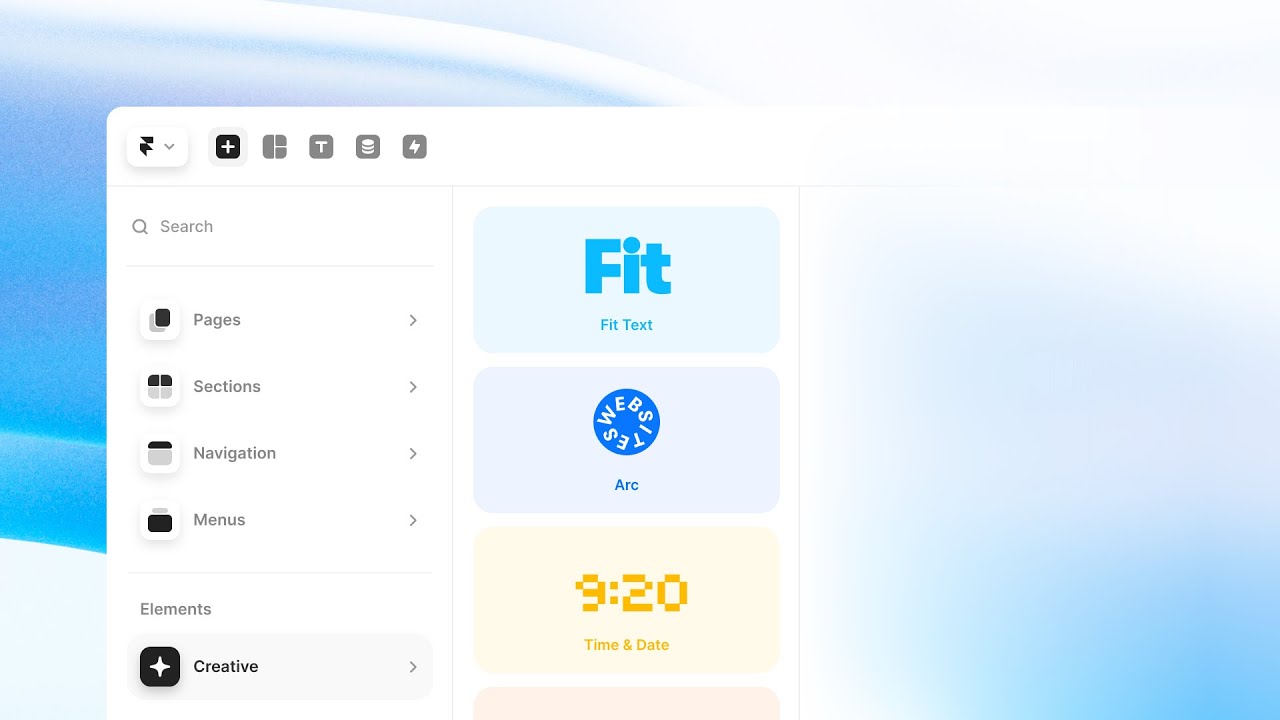
Insert Menu

Framer Update: Site Search

Framer Update: Site Search

Framer Update: Site Search

Hunter

·

4:05

·

17K views

·

About this lesson

We’re excited to introduce Site Search. Easily add Search functionality into your site by dragging the Search component from the Insert Panel into your project. Check out the updated free Blog Template from Benjamin to get started: https://blog-v4.framer.wiki/

🌞 Try Framer for free: https://framer.com

🎉 Follow on Twitter: https://twitter.com/framer

💎 Join Community: https://www.framer.community

0:00hail it's Hunter0:02in this video I'm excited to show you0:04how we've made adding search to your0:06framer site as easy as dropping in a0:10component0:15let's get started by adding search to0:17this template from Benjamin if we go to0:20the insert menu and go to the0:22interactive section0:23we'll find search if we drag that into0:26our site0:27that is actually it we've just added0:29site search to our firmware site0:32let's publish our website and see how0:34the searching feels then I'll show you0:36how to customize it and get the most out0:38of your search experience0:40if you go to the publish menu we'll want0:42to hit update and we'll want to wait0:44until the optimization process is0:46finished because that's when framework0:48generates an index for our site to0:50prepare it for searching0:52once our site is done optimizing we can0:55open it up and give searching a try0:57if we click the search icon you'll see0:59we have animations built right in by1:01default1:01and we can start searching right away1:03and one of the best parts about site1:05search is just how fast it is it1:08instantly searches text across your1:09entire framer site whether it comes from1:12body copy headings page titles or page1:15descriptions we'll be able to find what1:17we're looking for now let's look at some1:19of the customization options that are1:21available with site search1:23let's start by taking a look at the1:25scope control so with our current setup1:27site search allows you to search all the1:30pages on your site but let's say you1:32only want to search bump on your site or1:34a single CMS collection1:36this is something we do on firmware.com1:38templates1:40this is where the scope control comes in1:41handy1:43so if we open the scope control we can1:45select any path of our website that we1:47want to scope the search to1:50so in this case it could be blog so1:53let's say we don't want the about page1:55showing up on our search and we only1:56want to search the blog1:58if we go here and select the blog2:00collection2:02and we go ahead and publish our site2:08see that it only searches the blog2:10collection2:11however you may notice that all the2:13results have the same subtitle this is2:16because our subtitle is set as the2:18description of the page2:20if you spend the time to improve your2:21title and description it'll be great for2:24your search results and your SEO2:26you may be wondering how to make the2:28search look like your own2:30we've got tons of customization options2:32from colors to fonts to animations that2:35you can customize to make it fit into2:37your site2:39the customization options are organized2:41by which part of the search you're2:43trying to customize2:46top level you'll find the options for2:48the search button on the canvas itself2:52where you can change things like the2:53icon size2:54or add your own custom icon2:57so to update the fonts I want to update2:59the fonts in input as well as the fonts3:02within the results for the title and the3:04subtitles3:06in the subtitle options you can also3:09change from displaying the description3:11of a page to the URLs which I'll change3:13now within the modal options you can3:15change the layout of your entire search3:17window to be a sidebar or a fixed top3:20bar3:21this gives you a ton of flexibility to3:23fit your site's designs3:25I think I've tweaked it just right for3:27my site but I'm going to add one more3:29Final Touch3:30I'm actually going to make the height3:32animate when the results change3:35this option just adds a nice little3:37extra springiness to your search3:38experience3:39checking out search on our live site is3:42feeling great3:43these are just a few of the many3:45customization options for search and3:47we're really curious to see what we all3:49do with it thanks for watching and happy3:51searching

Watch on YouTube ↗

More in this topic

How to get the most out of Framer for Free4:05
How to get the most out of Framer for Free
Animations15K views · 8 months ago
Workshop: Turn prompts into powerful components with AI2:20
Workshop: Turn prompts into powerful components with AI
AI9K views · 1 year ago
Using the Insert Panel in Framer (Fundamentals Lesson 13)5:14
Using the Insert Panel in Framer (Fundamentals Lesson 13)
Insert Menu25K views · 1 year ago
Framer Update: Menus with Search and Scroll1:46
Framer Update: Menus with Search and Scroll
Framer Update8K views · 1 year ago
Framer Update: Creative Section3:24
Framer Update: Creative Section
Insert Menu13K views · 2 years ago
How to add a Cookie Banner to your Framer website9:43
How to add a Cookie Banner to your Framer website
Analytics33K views · 2 years ago
The Input Component5:04
The Input Component
Forms18K views · 3 years ago
Framer Update: Quick Insert3:11
Framer Update: Quick Insert
Framer Update18K views · 3 years ago

Create a free website with Framer, the website builder loved by startups, designers and agencies.