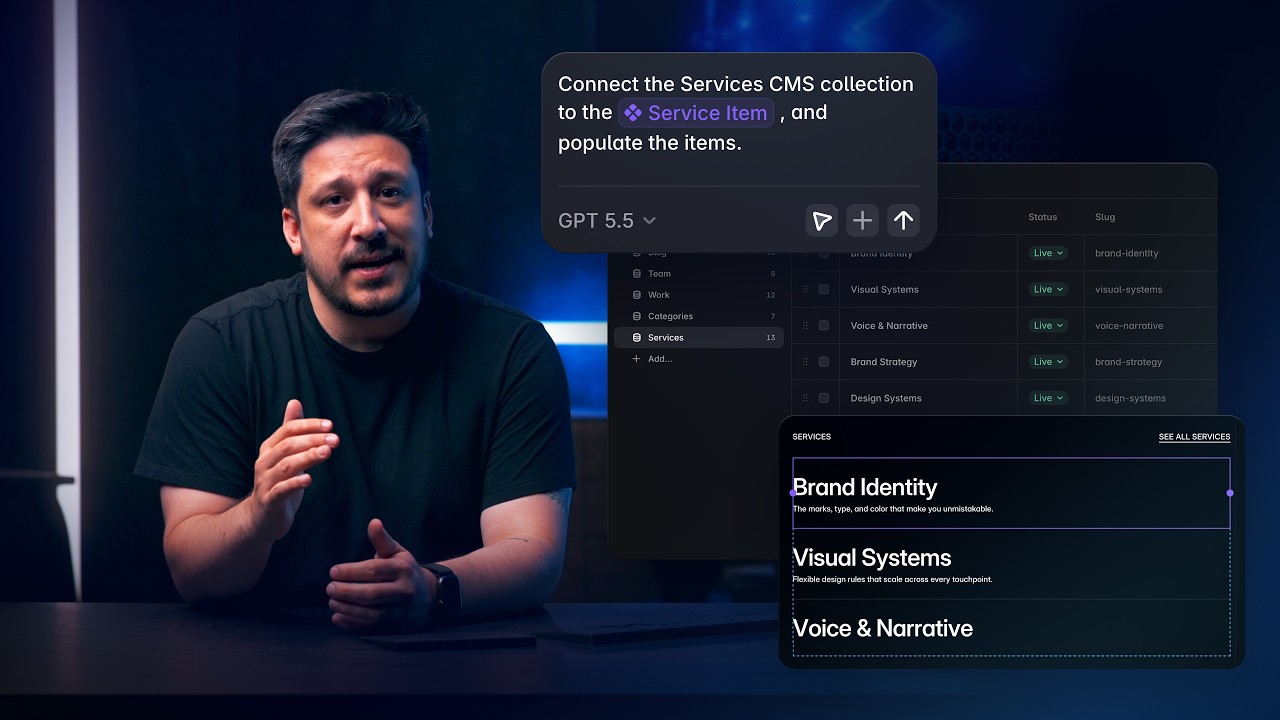
AI, Insert Menu

Workshop: Turn prompts into powerful components with AI

Workshop: Turn prompts into powerful components with AI

Workshop: Turn prompts into powerful components with AI

·

2:20

·

9K views

·

About this lesson

Introducing Workshop—turn ideas into working components just by describing them. No code. No setup. Just a quick chat. Workshop allows you to create an infinite amount of components using AI, ready to publish. Workshop generates components with property controls, so you can customize and fine-tune each component to make them your own. Workshop also makes it easy to create effects that used to feel out of reach—like an image card with an interactive 3D tilt. Just describe what you want, and it builds it for you. And we’re just getting started. From bold creative ideas to powerful utility components, you can build it all—right now. And as the AI continues to improve, so will the possibilities. Whether it’s standout visuals or smart functionality, Workshop gives everyone the tools to bring big ideas to life. We can’t wait to see what you’ll make. https://framer.com/updates/workshop

Sign up: https://framer.link/yt

Follow: https://framer.link/yt-x

Learn: https://framer.link/yt-academy

0:00Ever had an idea for custom components0:02but felt blocked by code? You're not0:04alone. That's why we built Workshop to0:08turn ideas into working components just0:10by describing them. Let's try it out. We0:14can launch Workshop straight from the0:15component panel or the quick menu. It0:18opens a chat where we can build anything0:20we can think of. And if we're not sure0:22where to start, there are example0:24prompts to help spark new ideas. Let's0:27start with one of the examples and0:28create an analog style clock that shows0:31the real local time. Once the prompt is0:34submitted, Workshop generates our new0:36component in seconds, dropping it onto0:38our canvas, complete with built-in0:41properties that we can tweak to our0:43liking. Want to add more styling,0:46properties, effects, or functionality?0:48Just keep the conversation going. We can0:51tell Workshop what we want to change or0:53add, and it'll update the component in0:55real time. It even suggests ways to make0:58your component better, so you're not1:00just building faster, you're building1:02smarter. Workshop also makes it easy to1:05create effects that used to feel out of1:07reach, like an image card with an1:09interactive 3D tilt. Just describe what1:12you want and it builds it for you. Like1:14magic, but real. We can keep enhancing1:18and experimenting by adding details to1:20the prompt, like asking for a screen1:22reflection or glow on hover with an1:24adjustable intensity. Workshop instantly1:28updates the component with those changes1:30so you can keep pushing your ideas1:33further. If something ever feels off,1:36just let Workshop know or roll back to a1:39previous version. And while there's no1:41need to touch code, the full component1:43lives within the assets panel, ready to1:46edit or reuse like any other code1:48component in Framer. Workshop is just1:51getting started. From bold, creative1:54ideas to powerful utility components,1:56you can build it all right now. And as1:59the AI continues to improve, so will the2:02possibilities. Whether it's standout2:04visuals or smart functionality, Workshop2:07gives everyone the tools to bring big2:09ideas to life. Workshop, custom2:13components, zero code required, all in2:16Framer.
Also coversHover & Press

Watch on YouTube ↗

More in this topic

Connect Framer to Claude Code, Codex, Cursor, and more7:13
Connect Framer to Claude Code, Codex, Cursor, and more
Agents2K views · 2 days ago
Content, Components, and CMS with Framer Agents8:25
Content, Components, and CMS with Framer Agents
Agents468 views · 2 days ago
Generation, layout, and styling with Framer Agents15:19
Generation, layout, and styling with Framer Agents
Agents886 views · 2 days ago
Framer Update: Auto Translate3:09
Framer Update: Auto Translate
Framer Update4K views · 2 months ago
Framer Update: Auto Rename0:53
Framer Update: Auto Rename
Framer Update5K views · 7 months ago
How to get the most out of Framer for Free4:05
How to get the most out of Framer for Free
Animations15K views · 8 months ago
Wireframer: Blogs and Changelogs with CMS3:40
Wireframer: Blogs and Changelogs with CMS
Framer Update5K views · 8 months ago
Framer Update: Wireframer Icons and Insert Sections2:24
Framer Update: Wireframer Icons and Insert Sections
Framer Update7K views · 11 months ago

Create a free website with Framer, the website builder loved by startups, designers and agencies.