Framer Update, Navigation

Relative Overlays: Collision Detection

Relative Overlays: Collision Detection

Relative Overlays: Collision Detection

Benjamin

·

2:49

·

11K views

·

About this lesson

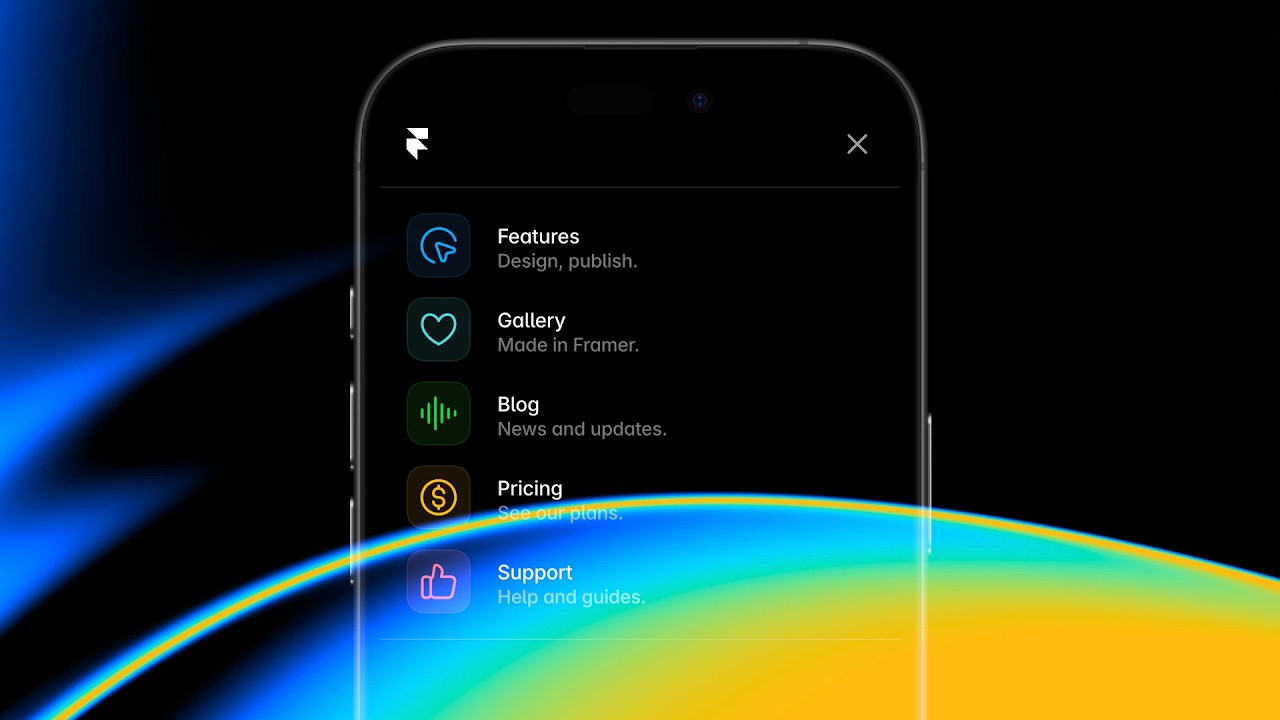
In this Relative Overlays Update, we’re adding Collision Detection. Design menus without worrying about them getting cut-off or clipped. Framer will intelligently reposition your menus and submenus, even flipping their transform origin in the process. We’re also adding support for nesting via Components, allowing you to design submenus. https://framer.com/updates/collision-detection/

🌞 Try Framer for free: https://framer.com

🎉 Follow on Twitter: https://twitter.com/framer

💎 Join Community: https://www.framer.community

0:00[Music]0:11yo my name is Benjamin and this is0:15Collision detection in framer so here we0:18have a navigation bar containing a0:21single drop- down0:23menu this drop down is a relative0:27overlay the overlay itself is also a0:30component so if I double click into this0:33one you'll see that all rows here also0:37have relative overlays applied so each0:41one has its own unique submenu this0:44release adds support for setting up0:46nested menus like this where your0:49overlay is a component containing layers0:52also triggering different overlays if we0:56now give this a preview you'll see that0:58we indeed have a nested menu but we're1:02also a bit lucky here in that everything1:05fits our submenu just about touches the1:09right side of the viewboard but what if1:12product was one of the last items in our1:16navigation so I'll move it all the way1:19to the right here and if we now give1:22this another preview you'll see that in1:25such cases your menus would get1:28completely cut off1:30even without any submenus with this1:33release this will no longer happen as1:36all new overlays get Collision set to1:40Auto by default for existing overlays1:43you can find this new property here and1:47set it to Auto and then you can also1:50Define how much padding you would like1:52between your menu and the browser when1:55your menu collides so I went ahead and1:59added Collision auto to the sub menus as2:02well and now let's give this another2:06preview framer now intelligently2:09repositions our menus and submenus where2:12they would otherwise get clipped plus we2:15have added some nice padding here making2:18sure that our menu doesn't sit2:20completely flush with the browser and2:23that's pretty much it for this video for2:27everything else that we added to this2:29release be sure to check framer dcom2:33updates thank you so much for watching2:36and stay tuned for more updates coming2:47soon
TeachesComponents
Also coversSpacing

Watch on YouTube ↗

More in this topic

Framer Update: Logo Shaders2:05
Framer Update: Logo Shaders
Framer Update12K views · 1 month ago
Framer Update: CMS 3.04:13
Framer Update: CMS 3.0
Framer Update14K views · 1 month ago
Framer Update: Holo Shader1:46
Framer Update: Holo Shader
Framer Update6K views · 2 months ago
Framer Update: Auto Translate3:09
Framer Update: Auto Translate
Framer Update4K views · 2 months ago
Framer Update: Stack Sorting and Bento Grids2:16
Framer Update: Stack Sorting and Bento Grids
Framer Update7K views · 2 months ago
Shader: Chromatic Aberration1:56
Shader: Chromatic Aberration
Framer Update7K views · 2 months ago
Framer Convert5:42
Framer Convert
Framer Update13K views · 3 months ago
Framer Update: Flow Effect in Layout Templates2:12
Framer Update: Flow Effect in Layout Templates
Framer Update10K views · 3 months ago

Create a free website with Framer, the website builder loved by startups, designers and agencies.