Layout & Design
Justin
·
4:59
·
2.6K views
·
About this lesson
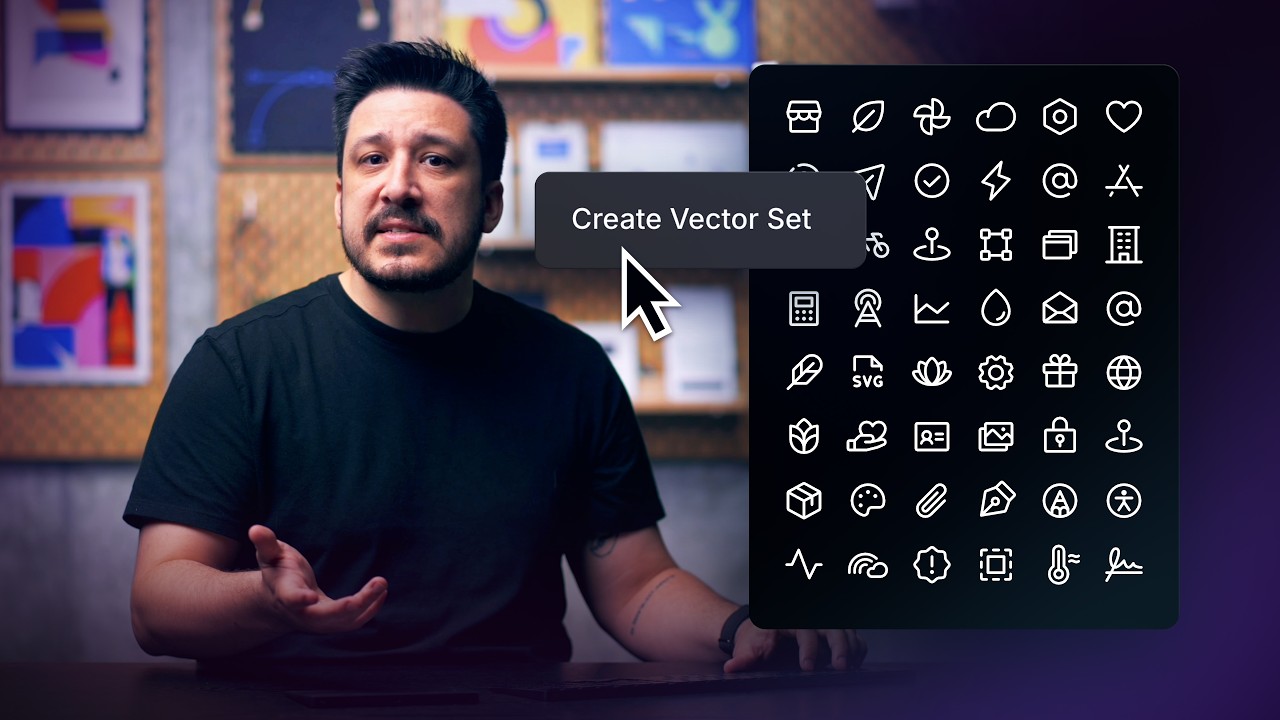
In this lesson, we'll cover how to use Variables to create flexible, scalable vector icons without duplication. We'll go over how controlling fill, stroke width, opacity and fill alpha with variables can allow one icon to support multiple styles.
https://www.youtube.com/watch?v=9fH8H5q_kXM&t=0s Introduction
https://www.youtube.com/watch?v=9fH8H5q_kXM&t=21s Recap
https://www.youtube.com/watch?v=9fH8H5q_kXM&t=39s What is a Variable?
https://www.youtube.com/watch?v=9fH8H5q_kXM&t=60s Applying Variables
https://www.youtube.com/watch?v=9fH8H5q_kXM&t=143s Fill Alpha
https://www.youtube.com/watch?v=9fH8H5q_kXM&t=199s Combining Variables
https://www.youtube.com/watch?v=9fH8H5q_kXM&t=232s Variables vs Variations
https://www.youtube.com/watch?v=9fH8H5q_kXM&t=271s Wrap Up
Sign up: https://framer.link/yt
Follow: https://framer.link/yt-x
Watch on YouTube ↗