Layout & Design
Justin
·
4:25
·
4.1K views
·
About this lesson
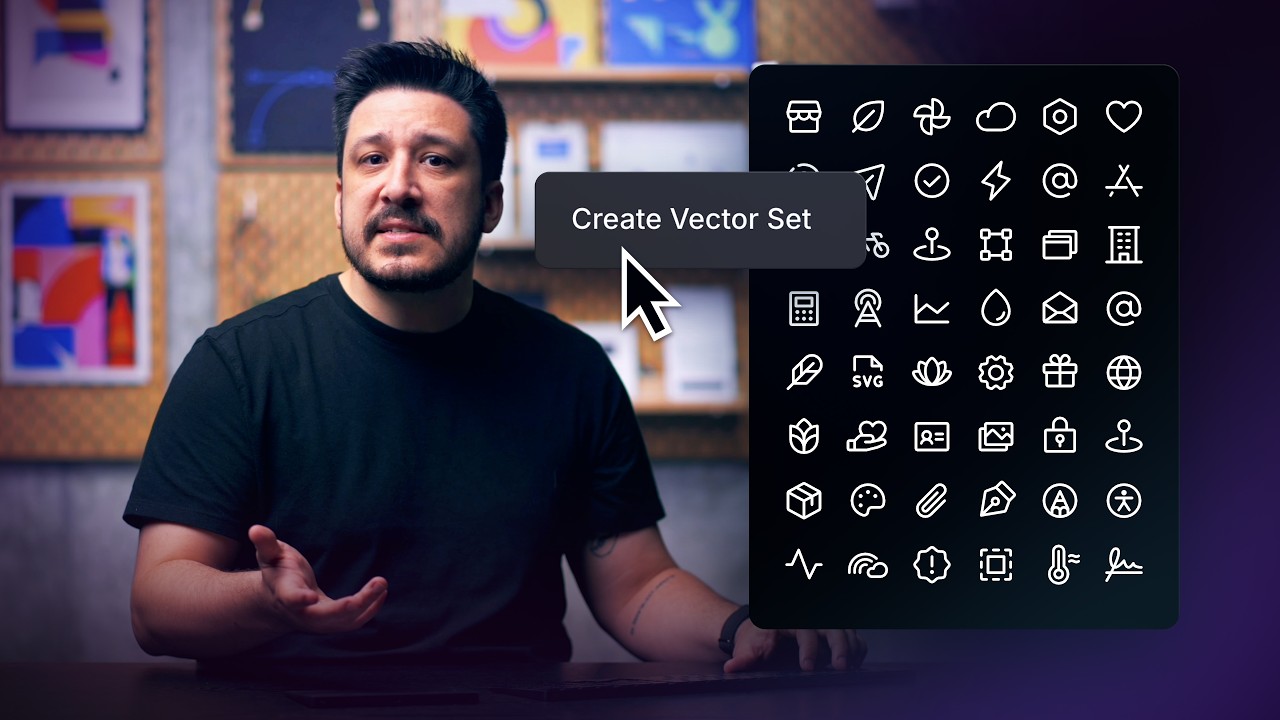
So far, we’ve learned how to create paths, shapes, and Vector Sets in Framer—but if you want your designs to feel more polished, a little motion goes a long way. In this lesson, you’ll learn how to use Framer’s Stroke effect, a vector-specific animation tool that helps you draw attention, add clarity, and bring your vector work to life.
00:00 Introduction
00:30 Framer Animation Course
00:55 What the Stroke Effect does
01:10 Applying the Stroke Effect
01:45 Stroke Effect Settings
02:55 Animating Multiple Paths
03:19 Quick Tips
03:58 Wrap Up
Check out the full course here: https://www.framer.com/academy/courses/mastering-vectors-in-framer
Sign up: https://framer.link/yt
Follow: https://framer.link/yt-x