Layout & Design
Framer Update: Fetch — Leverage the power of APIs to add dynamic data to your Framer Site
Framer Update: Fetch — Leverage the power of APIs to add dynamic data to your Framer Site
Framer Update: Fetch — Leverage the power of APIs to add dynamic data to your Framer Site
Hunter
·
10:28
·
34K views
·
About this lesson
Introducing Fetch, a new feature enabling you to leverage the power of APIs to add dynamic data to your Framer Site—without any code.
https://framer.com/updates/fetch
🌞 Start for free: https://framer.link/yt
📚 Learn more at: https://framer.link/yt-academy
💎 Join the Community: https://framer.link/yt-community
🎉 Follow on X: https://framer.link/yt-x
MB01MTYMAQJCUID
0:00hey all it's hunter in this video I'll0:02be showing you fetch a new feature that0:05allows you to harness the power of apis0:08without needing any code fetch lets you0:11keep your site super fast while also0:14adding Dynamic data from a back0:16end I'll show you some examples now to0:19help illustrate the power of this let's0:22start simple with one of the first0:23examples of dynamic info on a website a0:26view0:27counter if we select the text layer with0:31the zero on it we can go to the content0:34property and that's where you'll find0:37the new option to add a0:39fetch in the fetch UI we're greeted with0:42an input and in here we can put a URL to0:45any API endpoint to help getting started0:49we have a few example endpoints built in0:52these are great examples of the kind of0:54things fetch should be used for trly0:56dynamic data that is either unique to a0:58user or cannot be known at the time of1:01publishing rule of thumb is if it can be1:04typed on the canvas or put into the CMS1:06you should do that instead as it can be1:08better optimized for1:11SEO we'll use the views endpoint and1:14select the path once selecting the path1:16field prer makes a test request to that1:19API endpoint and builds a list of all1:21the information that's available from1:24that endpoint then allows you to select1:26from within that list which piece of1:28information you want to use for this1:30specific fetch in this case we'll select1:32the1:33count we heavily cach this value on the1:36canvas but if we preview and reload a1:39couple times we'll see that our view1:42count is now1:43working what fetch does is when someone1:46views your website with a fetch on it1:48framer will go to that API endpoint get1:51that information bring it back and1:54display it on your1:55website another common use case for apis1:58on a website is using the approximated2:00city or country of the person visiting2:03the website for this we can use the2:06built-in location endpoint if we select2:10that and go to the path field we can use2:13the path field dropdown to see what bits2:16of information are available here in2:18this case we'll select city which is2:20Amsterdam and that is indeed where I am2:23right2:24now now let's say that this Endo is2:27either really slow or expensive for us2:30to run we can add a cache that says do2:34not refetch for this amount of time and2:38instead just reuse that value that we2:41got from the last time we actually2:42performed the fetch in this case I'll2:45use an hour because you're probably not2:47moving around too much within an hour2:50and if we reload our page we now have2:52those two Dynamic pieces of information2:54using Fetch with the location being2:57cached for 1 hour3:00to take this a step further let's say we3:03have a travel website where we want to3:05show the weather for multiple different3:06cities we have a component set up with a3:09city property that we can change and now3:11we'll turn it into an encapsulated3:13widget that fetches and displays the3:15real weather information for that City3:18let's start with the temperature and we3:21will add a fetch to this using the3:24weather3:25endpoint and what you'll see different3:28here is we'll see a colon and the word3:31City whenever you use the colon in a3:34fetch it creates a variable that you can3:37edit using a field below so we can type3:40in the word Amsterdam here or can assign3:43a variable that's available in our3:47component in this case we can use that3:49City variable that we have set up and3:51are already using in our component this3:54will mean whenever we change the3:55property on our component it'll also3:57update the Fetch and get the information4:00for that specific City we can select4:03Celsius and do the same for our4:07description I'll speed it up a4:13bit let's preview our component and it4:16looks good we now have the live weather4:18but framer renders the fallback value4:21while these fetches are loading this is4:23great for simple fetches but with4:25components we now give you the ability4:28to have more control over what that4:30loading state looks like we can do this4:33by declaring a loading variant this is a4:35special type of variant that only shows4:37up once you've used a fetch in your4:40component once we have that added we can4:42also add an error4:44variant these are automatically set up4:47to show well a fetch is loading and when4:50a fetch fails just like normal variants4:53you have full design control on how you4:55want these to look what I like to do is4:58to delete the fetched content in the5:00loading5:02variant so that it doesn't appear when5:04it's not ready yet and then add some5:06helpful text to the error5:19variant if we preview our5:22component and refresh a couple5:26times we can see that new loading5:28variant showing up well the fetch is5:30loading and so now that content only5:32shows up when it's actually ready a5:35common pattern you see online is5:37displaying gray boxes where there will5:39be content while loading I find it's5:42best to do this as new separate layers5:45that you conditionally display in the5:47loading variant we'll start by drawing5:49some little frames in these stacks and5:51making them position absolute and then5:54dragging them to the size that we want6:01I'll style them with a gray color and a6:03slight border6:05radius we'll then set them to opacity6:08zero on the primary variant and opacity6:11of one on the loading variant this is6:15nicer than use invisibility as you get a6:17smooth transition between the variants6:20and it's personal preference but I like6:22to lock these gray Blox layers as well6:23when I'm done setting them up so that I6:25can easily select the other layers again6:28if we preview my my component again it's6:31looking really nice one more tiny bit of6:33Polish we can do is adding a effects on6:36the layers with the6:39fetches so that once that loading6:41variant is done transitioning into the6:43primary6:44variant those pieces of info will6:47smoothly fade6:51in and if we preview our component again6:54we'll see that it is looking6:58lovely now that that we're done our7:00Dynamic component weather widget we can7:03duplicate it and change the7:06city and boom right away it shows the7:10real weather for that City instead and7:14what's so powerful about this is7:16everything is encapsulated to use this7:18component you don't have to know7:20anything about fetches you just change7:22the city and that's7:28it where fetch really enters a new realm7:32of possibility is using it with custom7:34API endpoints this allows you to work7:38right alongside an engineer to create7:40something new or to use one of the apis7:42that your company already has set7:45up in this example we want to display7:48the status of our servers on our framer7:50site we generally recommend putting a7:53small backend in between like a cloud7:55flare worker so you can clean up the7:57data for framer and store any secret8:00tokens that would be impossible to store8:02safely on the client so we have this8:04small Cloud flare worker that hits our8:07original endpoint sets any headers that8:09are needed and make sure everything's8:11ready to go into8:15framer and we'll deploy that and there's8:18nothing special that needs to be done to8:20make this work in framer we just have a8:23normal backend endpoint and we can paste8:25that URL directly into our fetch8:31we'll select the path for the8:34message and now we have our server8:36status on our site if we preview our8:42site and refresh a few8:45times we can now see our nice loading8:48experience and our Dynamic data on our8:51page and for one last thing before we go8:54to show off other things you can do with8:56fetch I also have an examples page here8:59which has my live listening data a live9:02stock example and the current moon phase9:04with sunrise and sunset all using9:07Dynamic data via the fetch9:09feature and there's a couple more cool9:11features to point out here in the9:14gradient stock example we've set the9:17stock fetch to a cache time of 109:19seconds and this means that every 109:22seconds when that cash runs out we9:25perform a new Fetch and get the latest9:27value this is great for for super9:29Dynamic values that you want to update9:31all the time another cool feature is in9:34the music listening example here we're9:37using a fetch on the fill property of a9:39frame to display the image for the album9:43Mark and what's cool here is that the9:45loading variant will also wait for the9:47image to be loaded so you can create9:49native feeling animations knowing that9:52the image will fully be there since this9:54also means you'll be seeing the image9:56placeholder and the loading States more9:57often we also improved it visually so10:00that it looks better in most10:06designs and that has been an10:08introduction to fetch I hope you enjoy10:11fetching I would love to see what you10:13build with it and I will see you in the10:15next one
More in this topic
 4:19
4:198 Framer shortcuts you're probably sleeping on
Layout & Design3K views · 2 months ago
 2:16
2:16Framer Update: Stack Sorting and Bento Grids
Framer Update7K views · 2 months ago
 3:41
3:41Sharing Vector Sets Across Projects (Vectors Lesson 7)
Layout & Design1K views · 3 months ago
 3:38
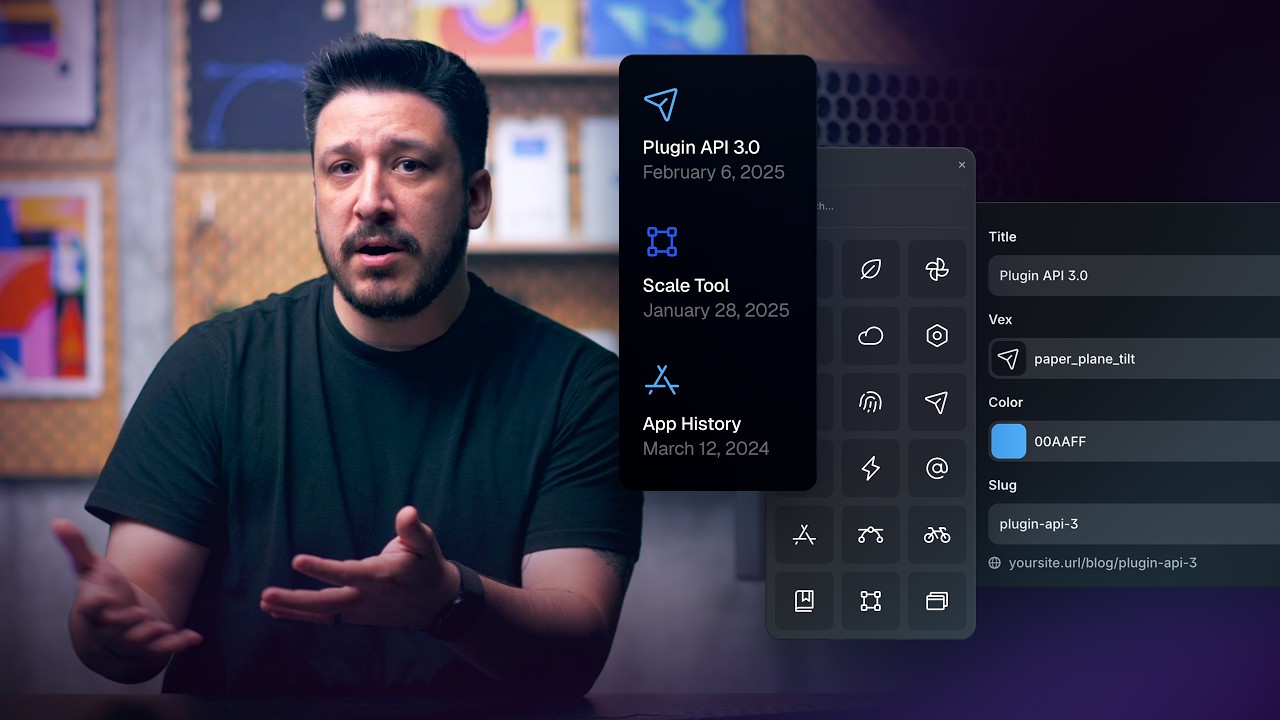
3:38Connecting Vector Sets to the Framer CMS (Vectors Lesson 6)
Layout & Design2K views · 3 months ago
 4:25
4:25Animating Vectors in Framer (Vectors Lesson 5)
Layout & Design4K views · 3 months ago
 4:59
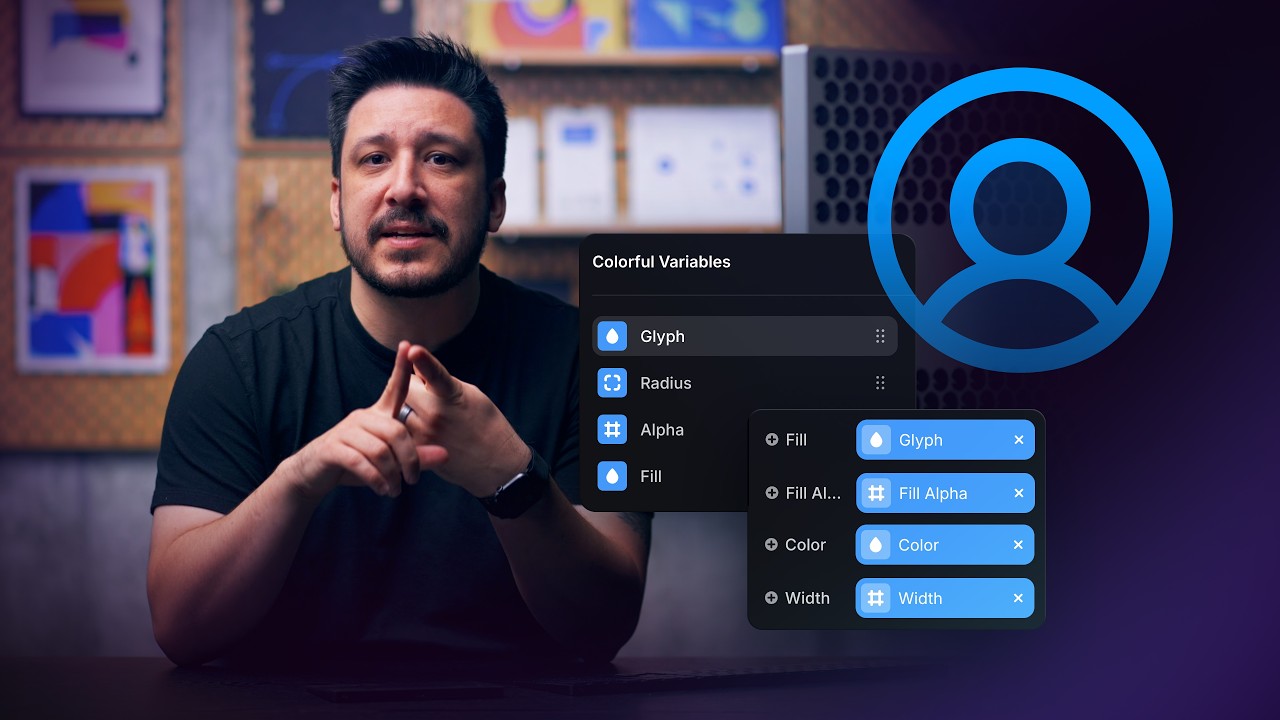
4:59Customizing Vectors with Variables in Framer (Vectors Lesson 4)
Layout & Design3K views · 3 months ago
 1:39
1:39Replace component instances site-wide in Framer
Layout & Design4K views · 4 months ago
 6:58
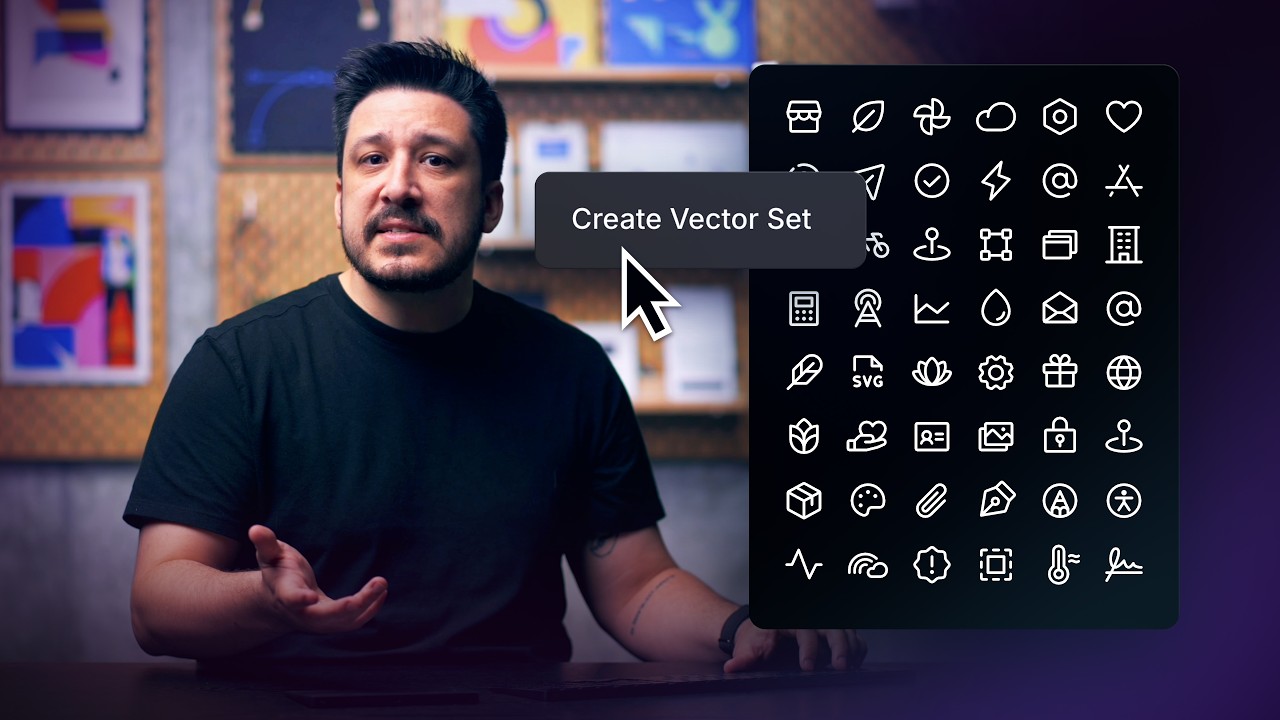
6:58Creating and Organizing Vector Sets in Framer (Vectors Lesson 3)
Layout & Design3K views · 4 months ago